Email deliverability is a critical component of any email marketing or transactional messaging strategy, yet many businesses face a common and frustrating issue—emails getting blocked or rejected by major email providers without warning. Platforms such as Gmail, Outlook, Yahoo Mail, and iCloud continuously monitor incoming emails to protect users from spam, phishing, and unwanted communication. As a result, even legitimate senders can encounter email blocking issues, delivery failures, or SMTP errors when certain risk signals are triggered.
Many senders notice problems such as emails not reaching the inbox, messages being delayed, or sudden spikes in bounce errors. In some cases, emails are completely rejected with messages indicating low sender reputation, suspected spam activity, or authentication failures. These issues can significantly impact email deliverability, campaign performance, and customer communication, especially when they occur unexpectedly.
Understanding why email providers block messages is essential for maintaining a strong sender reputation and inbox placement. In most cases, these blocks are not random but are triggered by specific factors such as high sending volume, weak domain reputation, or missing email authentication records like SPF, DKIM, and DMARC.
In this article, we will explore the key reasons behind email blocking issues, explain how major email providers evaluate incoming messages, and provide insights into how you can prevent these problems to ensure consistent and reliable email delivery.
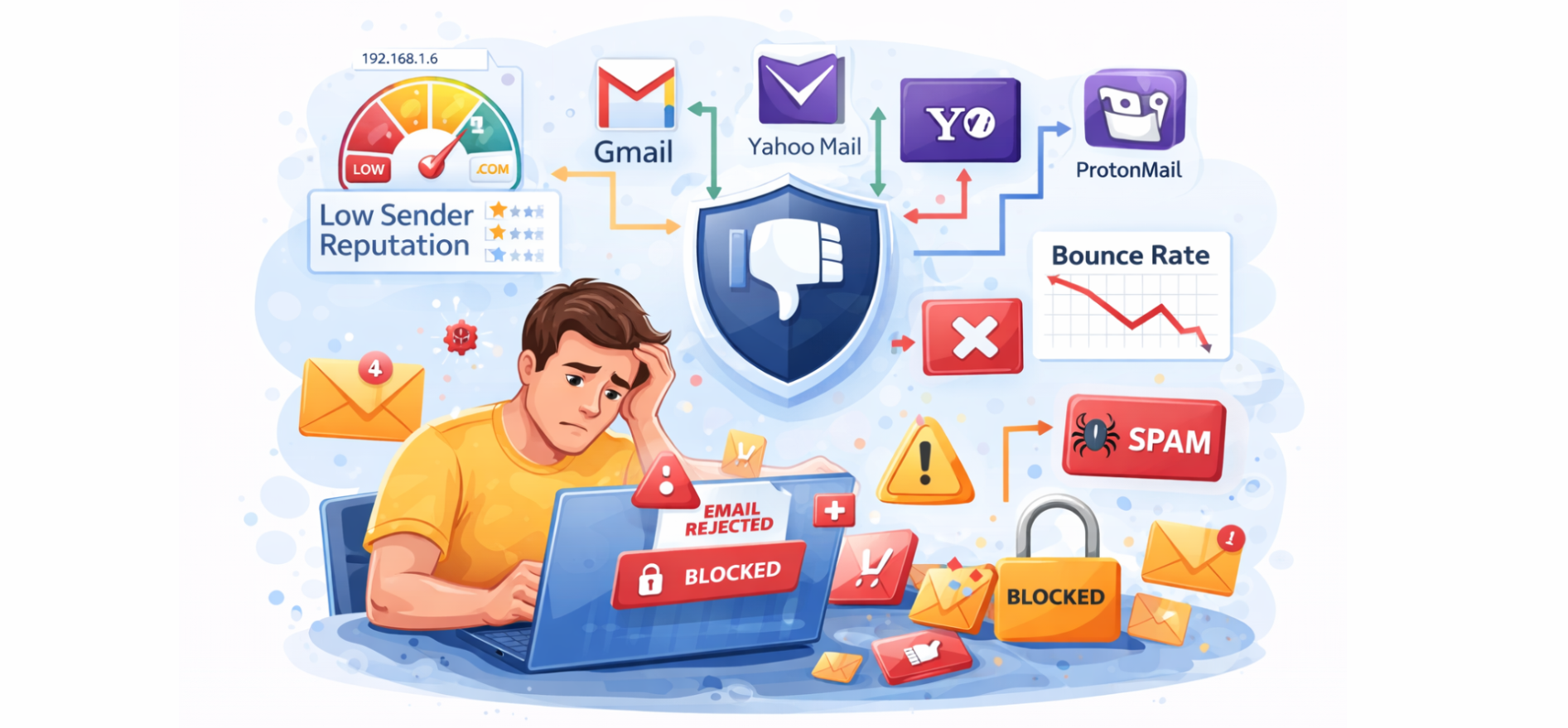
One of the most common reasons email providers block or restrict messages is sending large volumes of emails in a short period of time, especially when the sending pattern appears unusual or inconsistent. Mailbox providers closely monitor how email traffic flows from a domain or IP, and any sudden change in behavior can raise red flags in their filtering systems.
A frequent issue occurs when there is a sudden spike in sending volume instead of a gradual increase. For example, if a domain that typically sends a few hundred emails per day suddenly starts sending thousands or millions, email providers may interpret this as suspicious activity. This is particularly problematic when a new domain or IP address begins sending large campaigns without any established sending history, as there is no prior reputation data to support trust.
Another important factor is inconsistent sending patterns. Irregular sending behavior—such as long periods of inactivity followed by large bursts of emails—can make it difficult for mailbox providers to classify the sender as reliable. Consistency plays a key role in building trust, and unpredictable traffic patterns often lead to stricter filtering or temporary blocks.
From a technical perspective, these situations often result in rate limiting and throttling mechanisms being applied by receiving servers. Rate limiting is typically reflected in SMTP responses such as 421 errors, where the server temporarily defers accepting messages. Throttling, on the other hand, slows down the rate at which emails are accepted, effectively controlling the flow of incoming messages from the sender.
To avoid these issues, it is essential to follow a proper IP warm-up strategy. This involves gradually increasing the volume of emails sent over time, allowing mailbox providers to observe consistent and trustworthy behavior. A well-executed warm-up process helps establish both IP reputation and domain credibility, reducing the likelihood of delivery restrictions.
Additionally, email providers analyze both the SMTP envelope and email header information to validate sending behavior. The envelope contains technical routing details such as the return path, while the header includes information like the “From” address and authentication results. Any inconsistencies between these elements can further contribute to filtering decisions when combined with high-volume sending patterns.
In summary, sending bulk emails without proper scaling, consistency, and technical alignment can quickly trigger email deliverability issues, rate limits, and temporary blocks. Maintaining controlled sending behavior and following best practices is essential to ensure smooth and reliable email delivery.
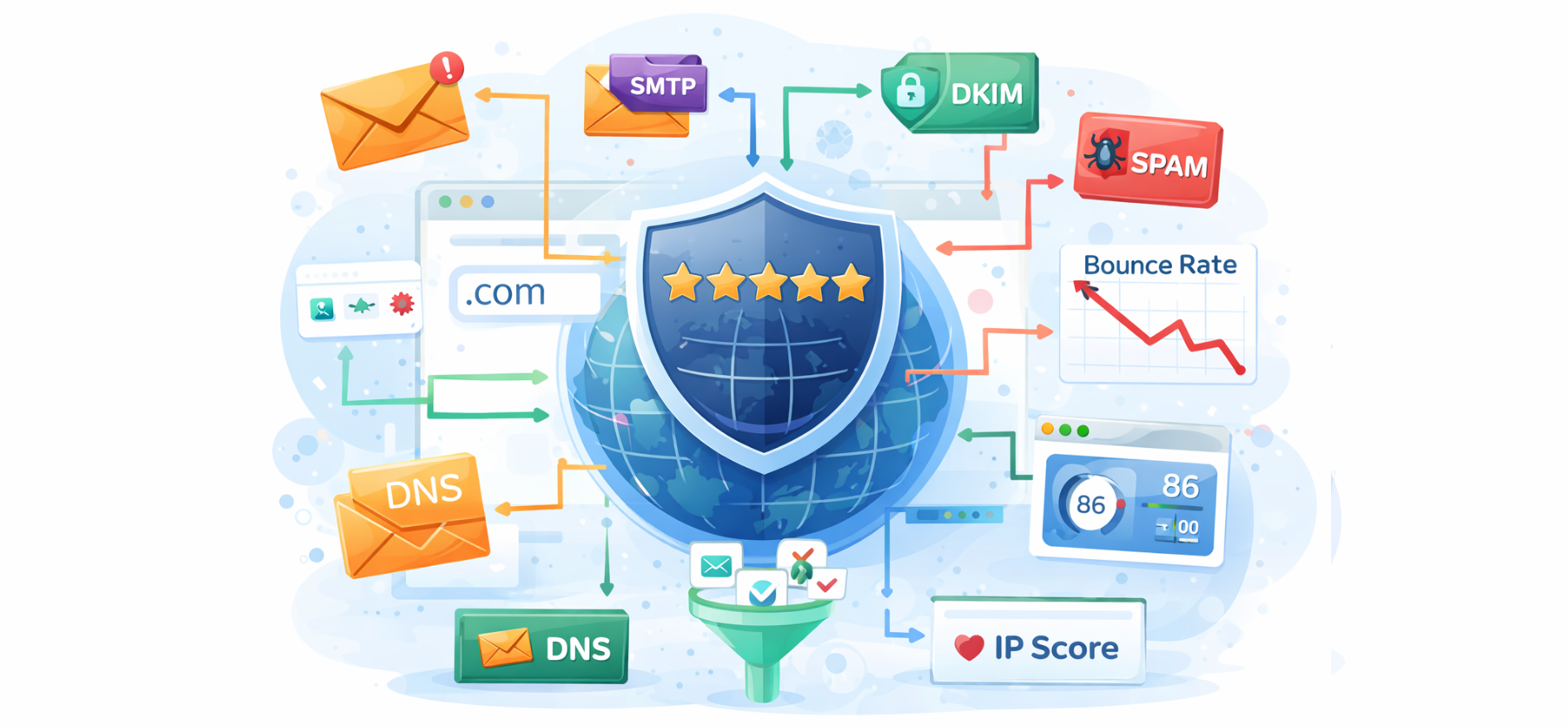
A weak domain reputation is one of the primary reasons email providers block or filter messages. Reputation is not built instantly—it develops over time based on your sending history, recipient interactions, and overall email practices. Mailbox providers continuously evaluate how your domain performs to decide whether your emails should be trusted.
One of the biggest factors affecting reputation is the combination of spam complaints and low user engagement. If recipients frequently mark emails as spam or ignore them (low opens and clicks), email providers interpret this as a sign that the content is unwanted, which can quickly reduce trust in the sending domain.
It is also important to understand the difference between domain reputation and IP reputation. While IP reputation relates to the sending server, domain reputation is tied to your brand and is often more critical in modern filtering systems. Even if you change IPs, a poor domain reputation can still impact deliverability.
Additionally, domains may be flagged in blacklist databases such as Spamhaus, which are widely used by email providers to block known sources of spam. Being listed on such blocklists can immediately affect email acceptance rates.
Finally, historical sending patterns play a major role. Consistent, responsible sending behavior builds trust over time, while past issues—such as high complaint rates or irregular activity—can continue to affect your reputation and lead to ongoing email blocking issues.
Proper email authentication is essential for ensuring that your messages are accepted and delivered to the inbox by major email service providers. Mailbox providers rely on technical checks such as SPF, DKIM, and DMARC to verify that an email is legitimate and has not been altered or spoofed.
An email should successfully pass SPF validation, confirming that the sending server is authorized to send on behalf of the domain. It must also include a valid DKIM signature, which ensures the integrity of the message content during transmission. In addition, a properly configured DMARC policy helps align SPF and DKIM results with the sending domain and instructs receiving servers on how to handle authentication failures.
When these authentication mechanisms are correctly implemented and aligned, they build trust with email providers, significantly improving the chances of inbox placement and overall email deliverability.
When email providers detect issues related to sender reputation, authentication failures, or sending behavior, they return specific SMTP error messages. These responses help identify the root cause of delivery problems and how different mailbox providers enforce their filtering policies.
Below are some of the most commonly observed error messages across major email service providers:
Gmail may block, defer, or rate-limit emails when it detects reputation issues, unusual activity, or when sending limits are exceeded:
Microsoft’s email services may restrict delivery when the sender does not meet their trust and reputation standards:
Yahoo Mail may reject messages when the sender’s domain or IP reputation is below acceptable levels:
Apple’s iCloud Mail applies strict filtering and may block emails from senders it does not trust:
Email providers evaluate more than just authentication and volume—they rely heavily on engagement signals such as opens, clicks, and deletions. Low interaction can signal that emails are not valuable to recipients. Spam complaint rates, even as low as 0.1%–0.3%, can quickly trigger filtering.
Providers also consider inbox vs spam placement history and the reputation of links or domains included in emails. Additionally, user-level behavior plays a role, where individual actions influence future delivery. Ignoring these signals can gradually weaken sender reputation and inbox placement.
Since 2024, providers like Gmail and Yahoo have introduced stricter rules for bulk senders sending over 5,000 emails per day. Proper setup of SPF, DKIM, and DMARC is now mandatory to pass authentication checks. Requirements such as one-click unsubscribe have also been enforced to improve user control.
At the same time, spam complaint thresholds are tighter, meaning even small increases can impact delivery. These evolving standards through 2025–2026 make compliance essential for maintaining strong email deliverability.
Common scenarios often lead to email blocking. A new domain sending bulk emails may be flagged and restricted due to lack of trust. Missing DKIM authentication can cause emails to land in spam despite valid content. High spam complaints can result in rate limiting or temporary blocks.
In shared environments, poor activity from one sender can affect others, leading to deliverability issues. These situations highlight the importance of maintaining proper authentication, reputation, and consistent sending practices.
Email blocking usually occurs due to specific underlying issues rather than random failures. Common root causes include low sender reputation, authentication failures (SPF, DKIM, DMARC), high spam complaint rates, and poor user engagement.
In some cases, infrastructure factors such as shared IP reputation can also impact delivery. Identifying the exact cause is essential, as each issue requires a different approach to restore email deliverability.
Accurately diagnosing these problems requires the use of specialized tools. Google Postmaster Tools helps monitor domain reputation and spam rates for Gmail, while Microsoft SNDS provides insights into IP reputation for Outlook services.
DMARC reports highlight authentication and alignment issues, and SMTP logs or bounce messages reveal why emails were rejected or delayed. Various SMTP and email delivery platforms also offer detailed reporting and analytics, helping senders quickly identify and resolve deliverability issues.
Avoiding email blocks requires a combination of technical setup, reputation management, and responsible sending behavior. Below is a quick checklist to help maintain strong email deliverability:
Email blocking by providers is rarely sudden—it is usually the result of underlying issues related to reputation, authentication, or sending behavior. By understanding the warning signs, monitoring key metrics, and following best practices, senders can significantly reduce the risk of delivery failures.
Maintaining proper authentication, clean email lists, and consistent sending patterns helps build long-term trust with mailbox providers, ensuring better inbox placement and reliable email communication.